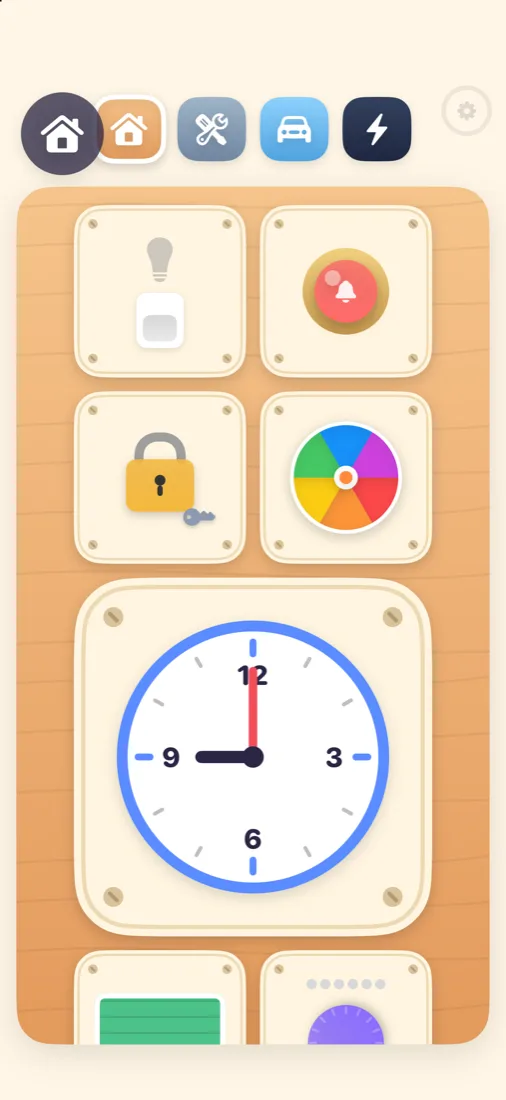
House board
A light switch, doorbell, padlock with a key, clock, zip, window blind, latch and spinner. Every one clicks, rings or lights up.
 TapTotComing soon to the App Store
TapTot turns your iPhone or iPad into a toddler busy board full of switches, latches, gears, light bulbs and steering wheels – plus finger drawing, a talking emoji writer, rolling balls and a family photo gallery.
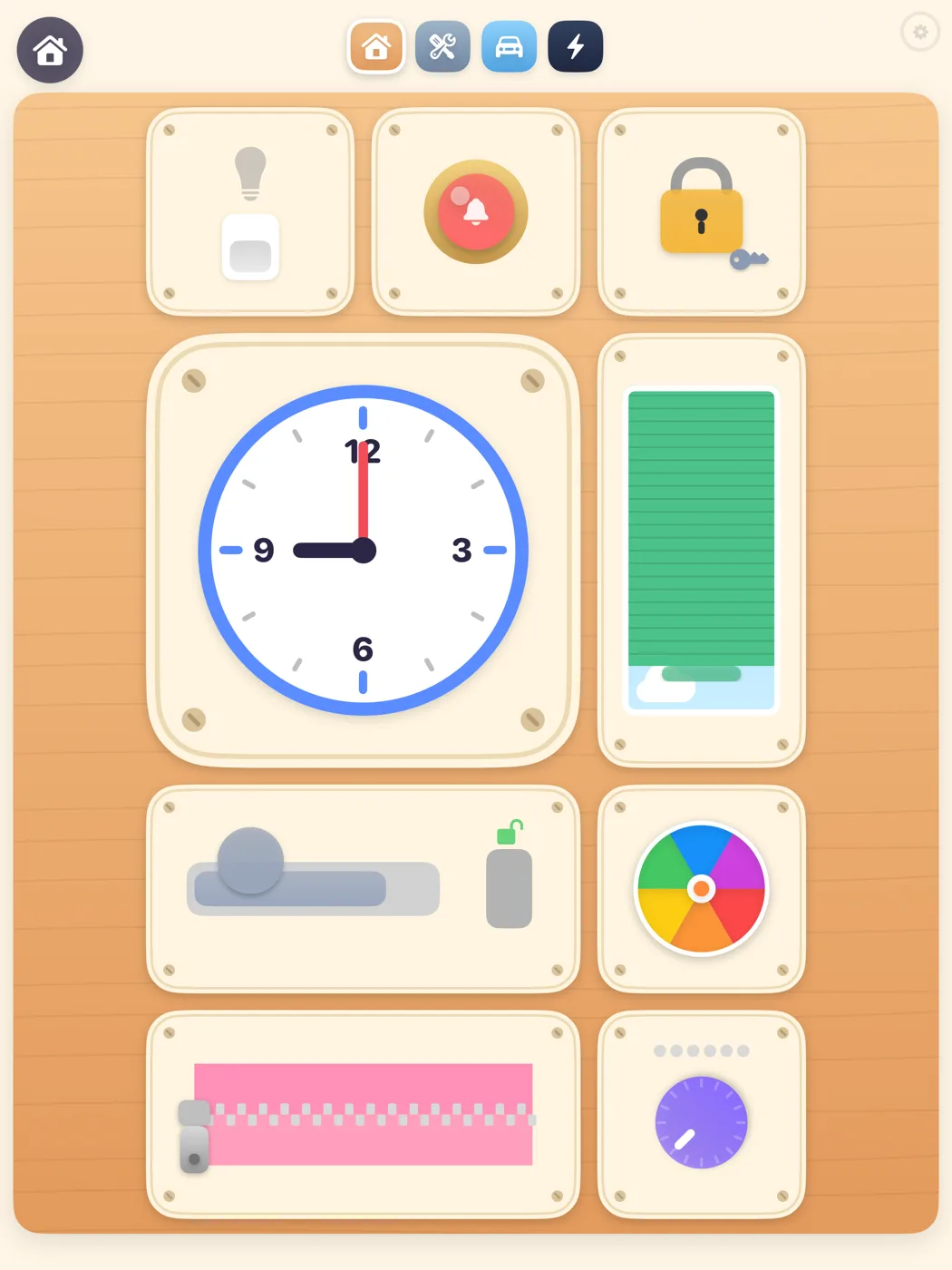
A light switch, doorbell, padlock with a key, clock, zip, window blind, latch and spinner. Every one clicks, rings or lights up.
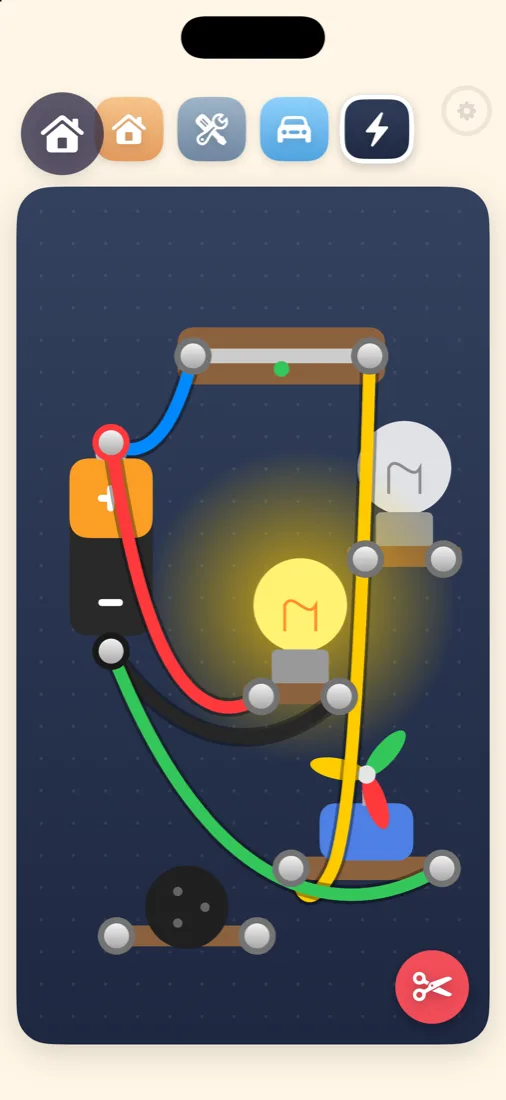
Drag real, wobbly cables between a battery, a switch, light bulbs, a propeller motor and a buzzer. Two bulbs in a row glow dimmer – just like in real life.
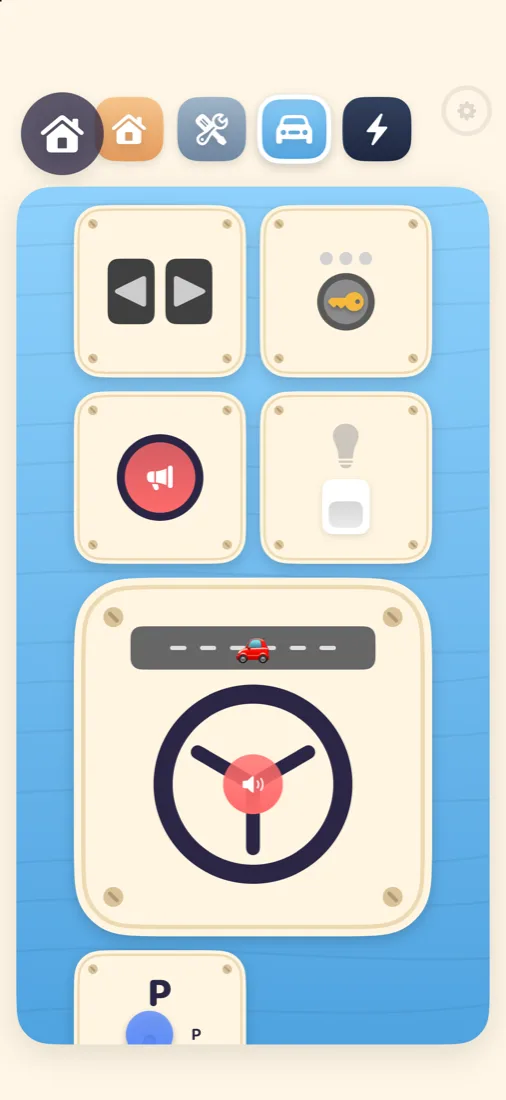
Turn the steering wheel, honk the horn, start the engine with the key, shift gears, blink the indicators and press the pedals.
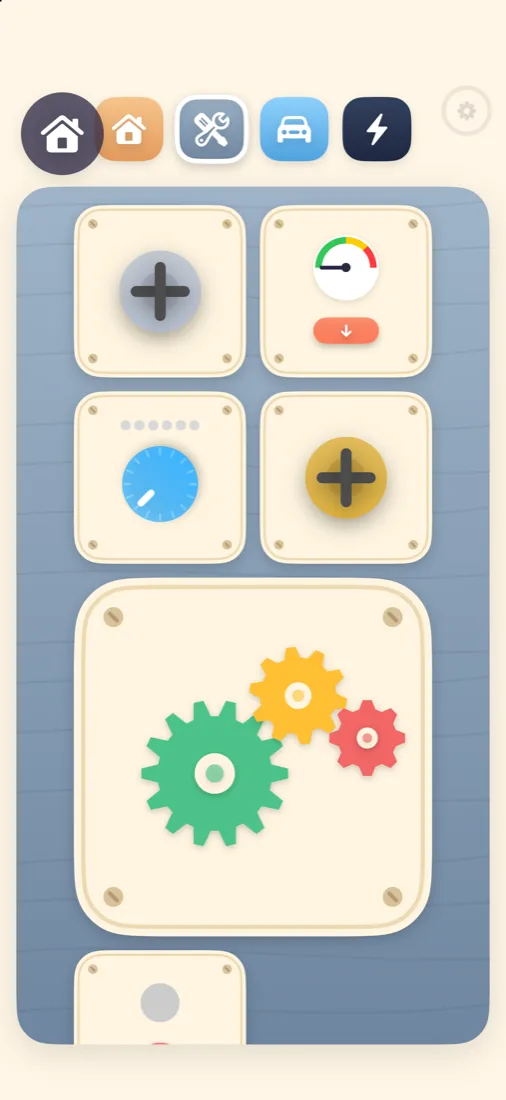
Spin a train of gears, unscrew big screws, pull the lever and pump up the pressure gauge until it whistles.
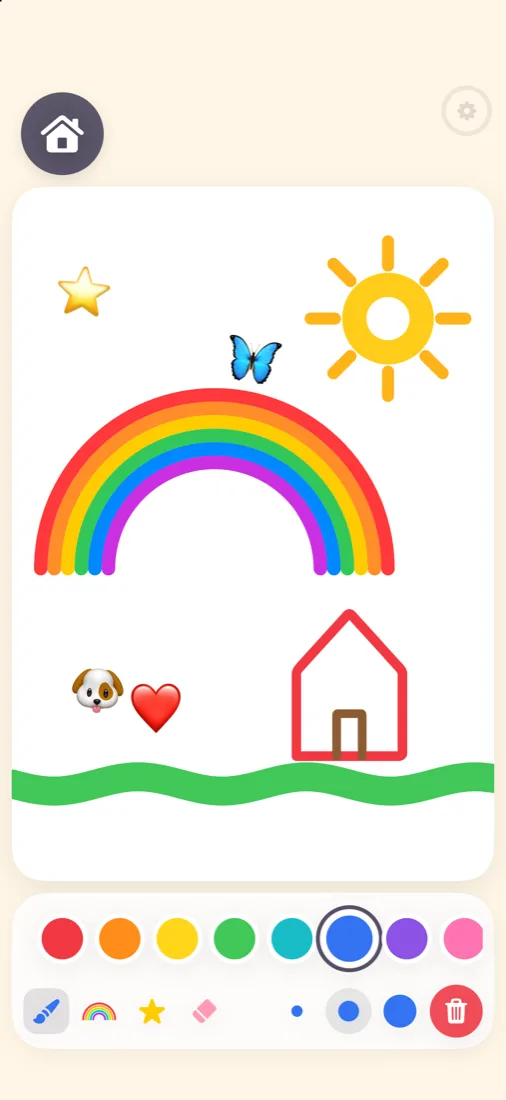
10 bright colours, three brush sizes, a rainbow brush, an eraser and emoji stamps. One tap starts a fresh page.
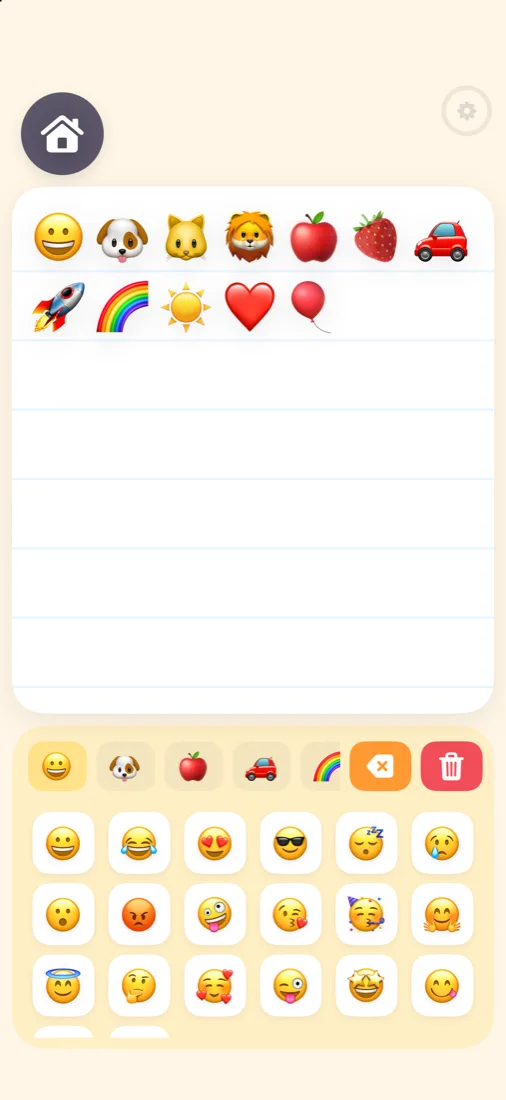
A big keyboard of animals, food, vehicles and faces. Every emoji is said out loud in English or Hungarian.
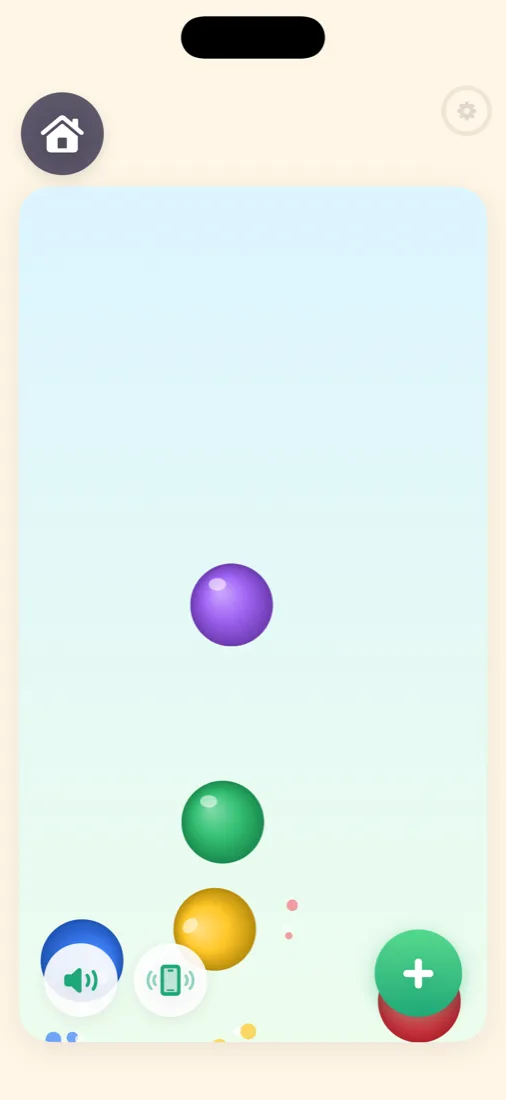
Tilt the device and the balls roll and bounce with real physics. Grab and fling them. Sound and vibration can be switched off.
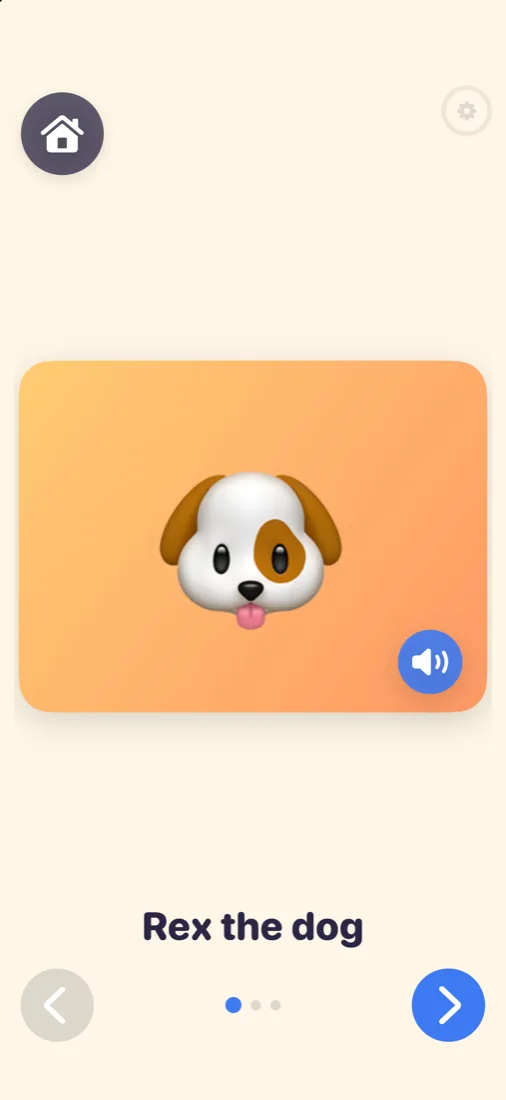
Pick photos of grandma, the dog or the family car. Add a name and, if you like, your own voice. A tap plays it back.
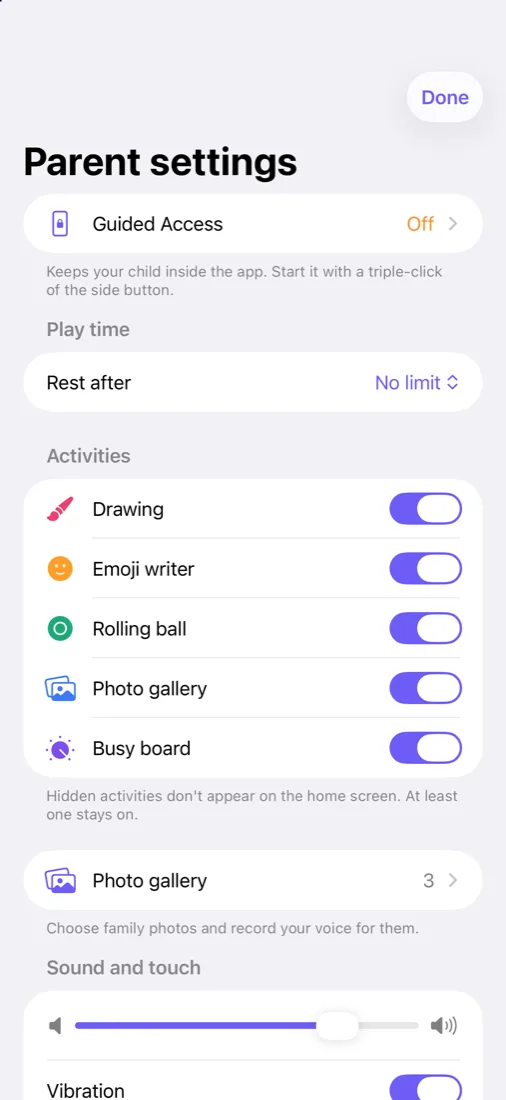
Hold the small gear for 3 seconds, then enter your PIN. Little fingers can't get in by accident.
Turn on Guided Access and your child can't leave the app. TapTot shows you how, step by step.
Set 10 to 60 minutes. When time is up, a calm sleepy screen appears instead of a sudden stop.
Hide anything you don't want to show yet, and change sound volume, vibration and screen-lock behaviour.
No adverts, no analytics, no accounts, no links out of the app. It works completely offline.
Gallery photos and voice recordings are stored only on your device. Nothing is ever uploaded.
$0
$3.99 one time
Toddlers and pre-schoolers, roughly 1 to 5 years old. Everything works by tapping, dragging and tilting, with no reading needed.
Yes, the free version includes finger drawing, the House busy board, one emoji category, one ball and up to 10 gallery photos. A single one-time purchase unlocks all boards, emojis, balls, unlimited photos and voice recordings. There is no subscription.
No. The purchase can only be started from the PIN-protected parent area. Locked items in the child area just wiggle.
Use Guided Access (Settings › Accessibility › Guided Access). Turn it on once, then triple-click the side or Home button inside TapTot to start it. The parent area in TapTot walks you through it.
No. There are no accounts, no analytics, no ads and no network connections. Photos and voice recordings never leave the device.
iPhone and iPad with iOS / iPadOS 17 or later. The busy boards rearrange themselves for portrait and landscape.
English and Hungarian. The app follows the language of your device.
Yes. Buy it once and everyone in your Family Sharing group can unlock it.